Best By in Mexico
Watch live streaming by cameras across Mexico. Enjoy the best real-time views available online.
Latest Cameras
15 streams found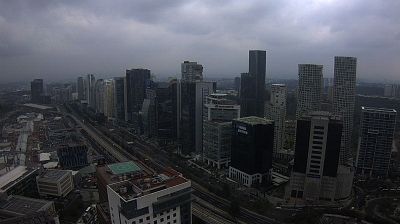

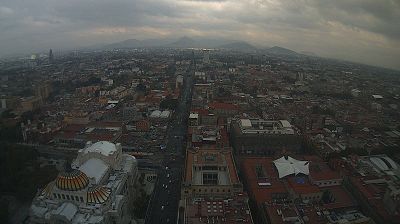
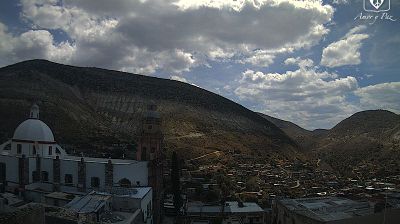


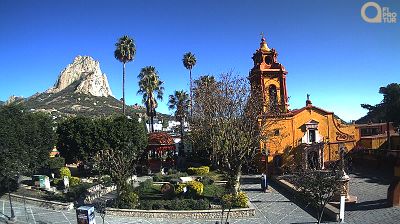
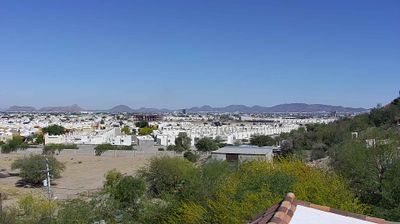
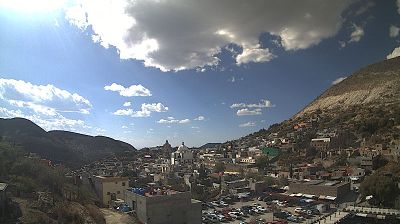
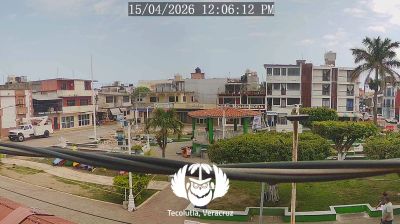
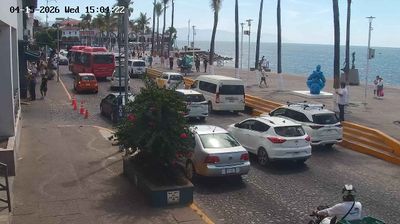
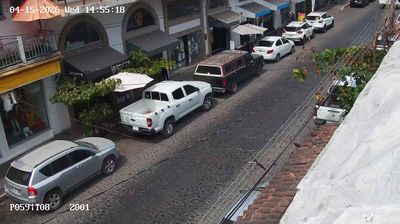
Discover By in Mexico
Whether you're checking conditions for a weekend getaway or just enjoying the view, our collection of by webcams in Mexico offers the best real-time experience available online. Stay updated with live weather changes and crowd activity.

About Mexico
Mexico, officielt De Forenede Mexicanske Stater, er et land i det sydlige Nordamerika. Det grænser op til USA mod nord, Stillehavet mod syd og vest, Guatemala, Belize og Det Caribiske Hav mod sydøst, og Den Mexicanske Golf mod øst. Mexico er med sine knap 2.000.000 km2 det femtestørste land i Amerika og det 13. største land i verden. Med et indbyggertal på ca. 126 millioner er Mexico det tiende folkerigeste land i verden og det næstfolkerigeste land i Latinamerika. Det er desuden det største spansktalende land i verden. Mexico er en forbundsstat bestående af 31 delstater og et føderalt territorium. Sidstnævnte udgøres af landets hovedstad og største by, Mexico By. Af andre vigtige byer bør Guadalajara, León, Monterrey, Puebla, Toluca og Tijuana nævnes.
📖 Read more on Wikipedia