Unije: Island Webcam - Explore the Beauty of Croatia's Hidden Gem
 Unije, Kroatien
Real-Time Environment
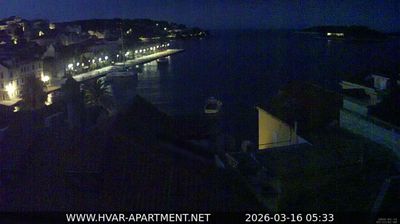
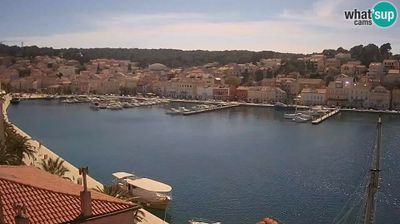
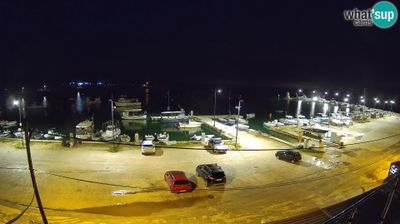
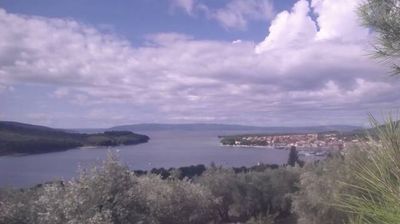
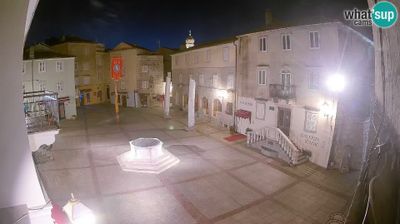
Welcome to the live streaming webcam for Unije: Island Webcam - Explore the Beauty of Croatia's Hidden Gem, perfectly situated in the vibrant region of Unije, Kroatien. Watching this live camera allows you to instantly experience the local atmosphere and monitor current climate conditions.

About Unije
Unije is an island in Croatia. It is part of the Cres-Lošinj archipelago, which is situated at the northern portion of the Adriatic Sea. Unije is the third largest island of the archipelago. It is 16.92 square kilometres in size, with numerous bays and beaches. Low hills abut the shoreline and are covered with Mediterranean evergreen macchia trees and olive trees. Administratively, it is part of the town of Mali Lošinj. As of 2021, it had a population of 66.
📖 Read more on Wikipedia📍 Location Facts
-
Country
 Kroatien
- Region Primorsko-goranska zupanija
- City Unije
- Coordinates 44.6363°N, 14.2469°E
Have you been to Unije?
Help the community! Share your experience, tell us about the weather, or upload your own photos from this exact location.