Stockholm › Sydøst: Tpl Skogås
 Stockholm, Sverige
Real-Time Environment
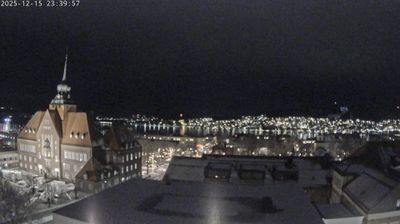
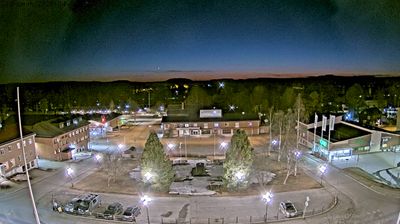
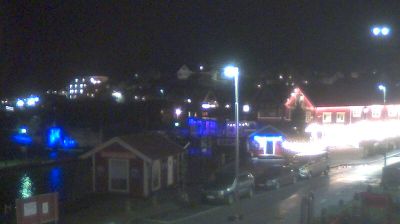
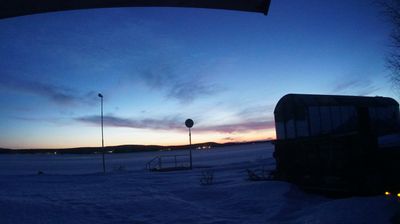
Welcome to the live streaming webcam for Stockholm › Sydøst: Tpl Skogås, perfectly situated in the vibrant region of Stockholm, Sverige. Watching this live camera allows you to instantly experience the local atmosphere and monitor current climate conditions.

About Stockholm
Stockholm er hovedstad i Sverige, landets og Skandinaviens største by. Navnet stammer formodentlig fra de forsvarsanordninger af stokke, som lå ved nogle små holme, hvor Mälarens ferskvand og Østersøens brakvand mødes. Byen ligger i to svenske landskaber: den sydlige del i Södermanland og den nordlige del af byen i Uppland. Byen var let at forsvare med Stockholms skærgård som en effektiv naturlig forhindring for fremmede flåder og med byens centrale dele placeret på øer. Hele den gamle bydel Gamla Stan ligger på en ø midt i byen.
📖 Read more on Wikipedia📍 Location Facts
-
Country
 Sverige
- Region Stockholms lan
- City Stockholm
- Coordinates 59.2184°N, 18.1337°E
Have you been to Stockholm?
Help the community! Share your experience, tell us about the weather, or upload your own photos from this exact location.